Public vendor page
Each vendor gets a page readable at a glance: photo, activity, product, and today's zone.
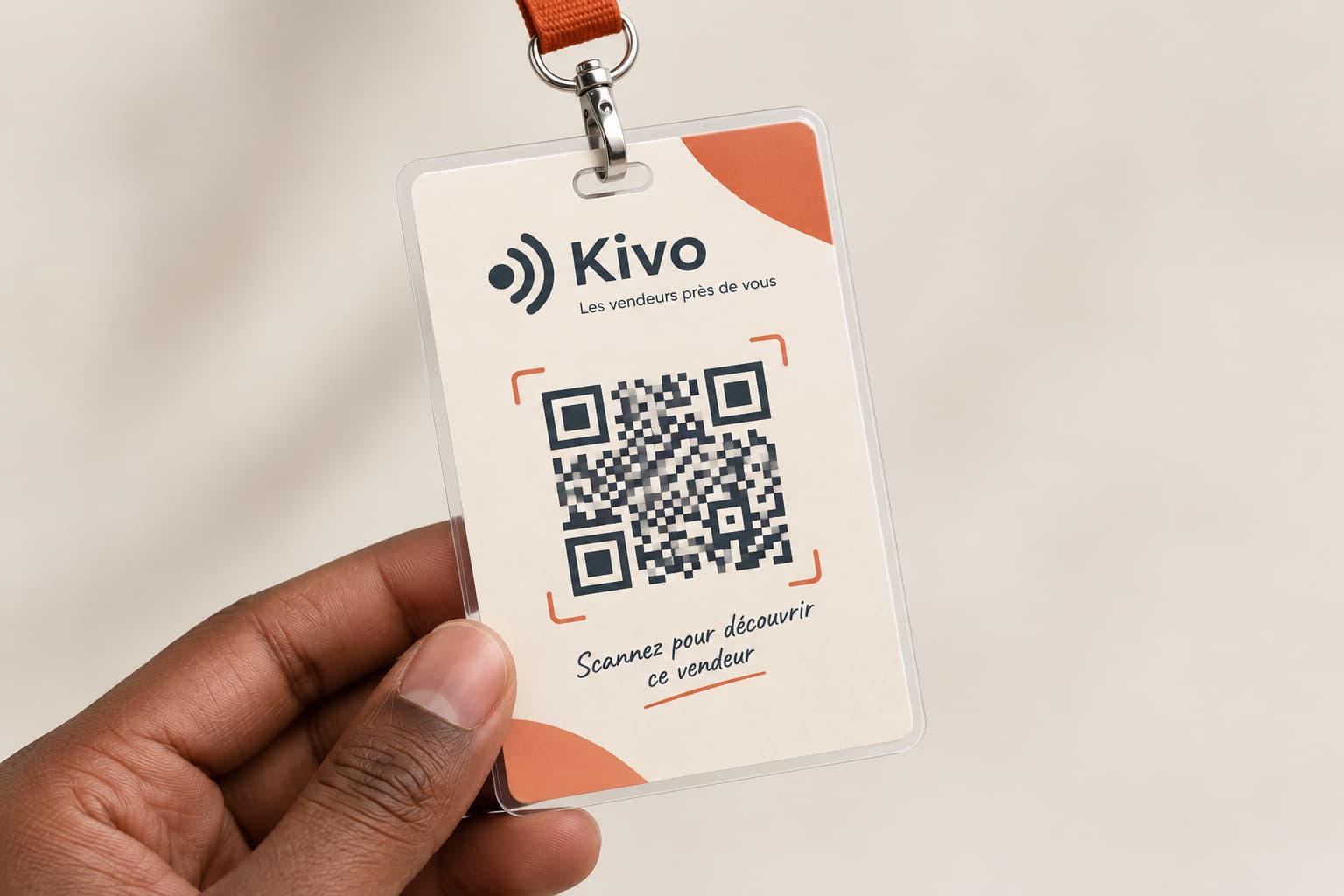
A QR code scanned once. The customer always finds their vendor again — without ever sharing a number.
Scan to create your vendor page from your phone.

01 / Features
Each vendor gets a page readable at a glance: photo, activity, product, and today's zone.
Customers follow a vendor's page by QR code or shared link, without exchanging numbers.
The vendor announces today's zone in 2 taps: a toggle, a neighborhood chip, then publish.
The encoded QR acts as a lasting entry point for purchases, recommendations, and return visits.
Followers get a clear reminder when the vendor changes zone or publishes.
The vendor keeps a record of their zones so customers can find them again without mistakes.
02 / The journey
The QR code, the page, today's zone, and the followers all work together, simply.
01
The public page shows the vendor, their product, today's zone, and their next move without drowning the customer in text.
02
The vendor updates their zone with one clear button, then broadcasts the update to every follower at once.
03 / Always findable
Many vendors keep their QR where they started out: a wall, a pole, an old stall. The code never changes, but what it shows does.
Every vendor deserves an address.
04 / FAQ
Launch your Kivo page, publish today's zone, and help customers come back to the right place.